
How to Start a LinkedIn Lead Generation Agency and Land Your First Client
A start-to-first-client plan for a LinkedIn lead generation agency in 2027: the sending setup that protects your profile, cost-plus pricing with real numbers, a delivery process, and how to close client one.

Need accounts to run this playbook? Enquire Now
To start a LinkedIn lead generation agency you need four things before your first client: a niche and a clear offer, a sending setup that does not risk your own profile, a price that keeps a margin, and a simple delivery process. Sort those first, then land client one.
What a LinkedIn lead generation agency actually does
A LinkedIn lead generation agency books qualified conversations and meetings for B2B clients through LinkedIn outreach, and usually email alongside it. You run the sending, the copy, the target lists, the reply handling and the reporting as a service. The client pays for booked conversations, not for logins.
That last point matters. You are selling a service you operate, not accounts you hand over. You never give a client the login to a sender, and you never resell accounts or bill per account as a product. When a client wants senders under their own brand, that is a white-label arrangement, available from a single account by agreement, not a resale.
Step 1: Set up sending that doesn't risk your own profile
If you'd rather not risk your own profile, sign up at GoAccounts and get aged, ID-verified LinkedIn accounts in 3 to 10 days, depending on how many accounts you need.
Here is why that comes first. Client outreach should run on separate sender accounts, never your personal profile. If a sender gets restricted, your own network and reputation stay untouched. Each sender needs its own setup: a dedicated static ISP proxy tied to that one account, its own isolated browser profile and fingerprint, a warm-up period, and a pool you rotate across so no single account carries the whole load. A GoAccounts sender ships with all of that, plus 500+ real connections, so it can start sending instead of spending weeks building a network. If this model is new to you, here is how renting a LinkedIn account works.
Pace it. LinkedIn publishes no weekly invitation number, so there is no official cap to quote. GoAccounts recommends 100 to 150 connection requests per account per week, ramped up over the first few days. Treat that as guidance, not a LinkedIn rule.
Know the risk before you build on it. Renting or sharing accounts and running automation go against LinkedIn's User Agreement: it says you will not share your account (section 2.2) and will not rent, lease or otherwise monetize the service (section 8.2), and LinkedIn's Help Center says it does not permit third-party tools. None of that is unique to one provider; it applies across the whole category. Plan for restrictions instead of pretending they cannot happen.
Step 2: Pick a niche and build an offer
Pick one specific buyer and one measurable promise. "More leads for everyone" is not an offer. "Booked sales calls with heads of finance at B2B software companies" is. A tight niche makes your lists, copy and results reusable. That is what lets a small agency deliver at volume.
Can you start without experience? Yes, if you start narrow. Choose a niche you already understand, build one offer, and run a single pilot client to prove it before you widen. You do not need a wall of logos. One clear promise and one client who will let you keep it is enough to begin.
Worked example of a two-line offer: "We book [X] qualified calls a month with [role] at [company type]. You approve the targeting and the copy; we run the sending, the follow-up and the reporting." Fill the brackets with your niche and your own target, and you have something to sell.
Step 3: Build your stack, part by part
Your stack is five parts, and the order matters. Sender accounts are the foundation from Step 1. Everything else sits on top.
| Part | What it does | Rough cost per sender a month |
|---|---|---|
| Sender account | Runs client outreach instead of your own profile | from $143 |
| Dedicated proxy and browser profile | Isolates each account | included with the account |
| Automation tool | Sends and sequences from the account | about $50 to $120 cloud, $10 to $15 desktop |
| Data and CRM | Builds target lists, holds replies | your own choice, budget a line |
| Sales Navigator | Search and filtering | $40 add-on against $159.99 retail |
A few notes on the rows. Annual billing usually cuts 20 to 40 percent off an automation tool's monthly seat price. Data, enrichment and a CRM are their own lines, and the right pick depends on your niche. For search and filtering, the Sales Navigator Advanced add-on on a GoAccounts account is $40 per account a month, against LinkedIn's own retail price of $159.99 a month.
Step 4: Price it so you keep a margin
Price from your costs up, not from a number that sounds good. Add every monthly line, which is senders, automation, data, Sales Navigator and your own time, then set a price that leaves the margin you want.
The formula is simple: price = cost / (1 minus your target margin). At a 50 percent margin, your price is double your monthly cost. At 40 percent it is cost divided by 0.6; at 60 percent, cost divided by 0.4.
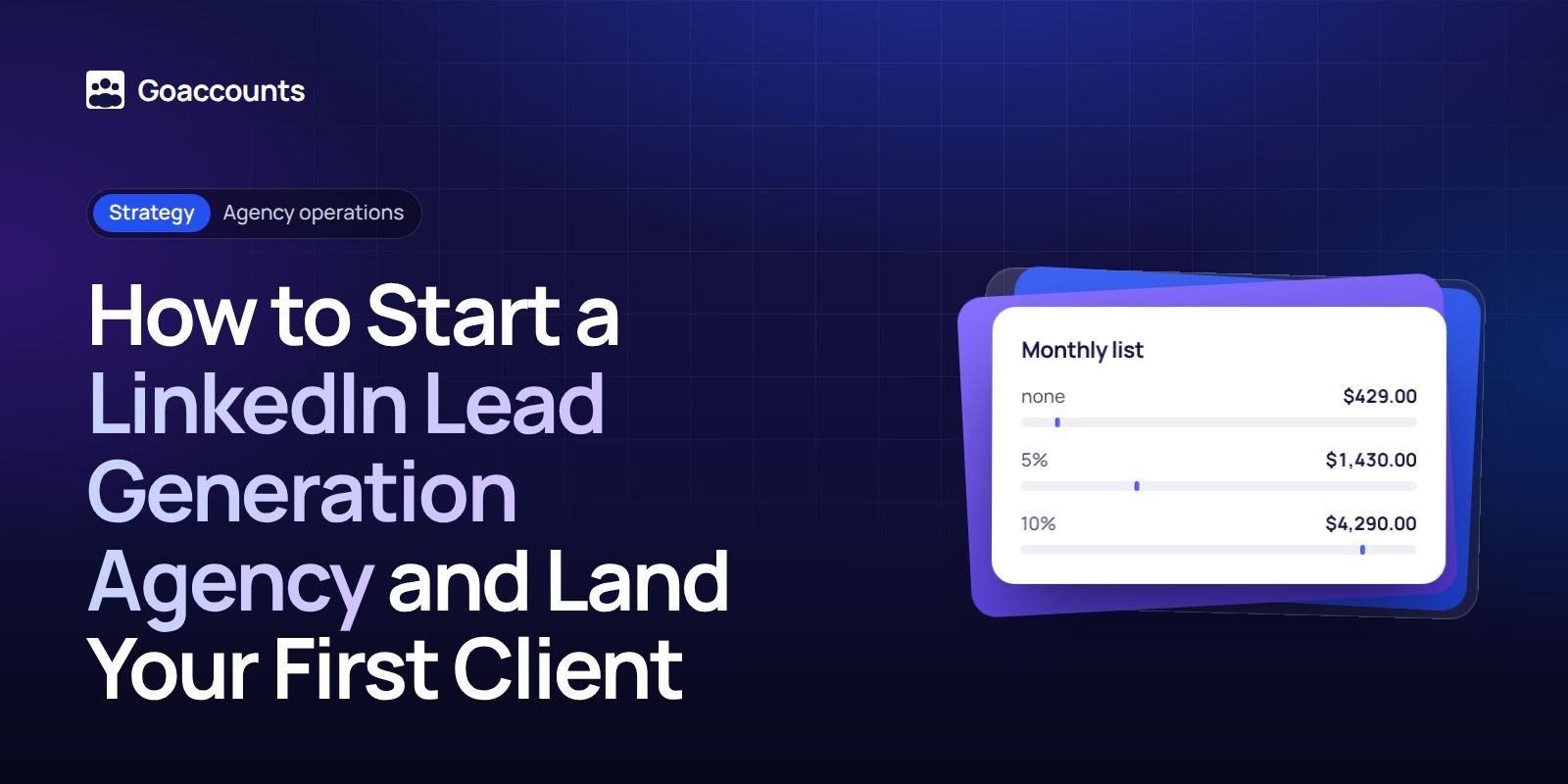
Here is what the sender side alone costs at three sizes, on GoAccounts' published rates. Volume discounts apply to the account fee only.
| Senders | Monthly list | Volume discount | Monthly cost | Per sender |
|---|---|---|---|---|
| 3 | $429.00 | none | $429.00 | $143.00 |
| 10 | $1,430.00 | 5% | $1,358.50 | $135.85 |
| 30 | $4,290.00 | 10% | $3,861.00 | $128.70 |
Paying a year up front lowers it further: GoAccounts' prepay discount stacks on the volume discount and brings the per-sender cost down to about $121.55, $114.40 and $107.25 at 3, 10 and 30 senders. Add your automation, data and Sales Navigator lines on top, then your time, before you set a price.
Show the client one bundled service fee, not a line for each sender. The sending cost is your internal number; the client buys booked conversations. Keep the volume discount as your margin instead of passing it straight through. If a client wants senders under their own brand, that is white label, from a single account by agreement, not a resale.
What it costs to start
You can start small. Three senders at $429 a month, one automation tool, a data source and a CRM, plus your own time, is enough to run a first client. Thirty accounts is not the starting point. Start with enough to deliver one offer, and add senders only when a signed client pays for them.
For context on what the market charges: published done-for-you LinkedIn retainers run from about $500 a month (one profile, month-to-month) up to $3,000 to $8,000 a month (agency-supplied senders, a multi-month term and a build fee). Per-agent seat models start near $85 an agent a month, and some agencies bill per booked meeting after a 90-day minimum. Your cost-plus number should land inside that range. If it does not, you are either underpricing or carrying too much cost.
Step 5: Build a simple delivery process
Delivery is where agencies keep clients, and it is the step the ranking guides skip. Here is the process GoAccounts' own team runs, which you can copy.
- Onboard and connect. Connect each sender account to the client's automation tool and verify it actually sends before you hand anything over. GoAccounts' team does this connect-and-check for every account, keeps a shared Slack channel open seven days a week, and offers a free 30-minute strategy call. Do the same: no campaign goes live until a real test message has gone out.
- Pace the sending. Ramp each account to about 100 to 150 connection requests a week, slower at first and steady after.
- Handle replies daily. A booked call is worth nothing if the reply sat for days. Route replies to a person every working day.
- Report weekly. One short report per client: requests sent, accepted, replied, booked. Clients renew when they can see progress.
- Plan for downtime. Accounts get restricted; that is the category. GoAccounts recovers a restricted account within 7 days or replaces it, and reduces the next bill pro rata for the downtime. Build the same buffer into your own service: keep a spare sender or two, and tell clients how you handle a restriction before it happens. If an account does get restricted, here is what to do if an account is restricted.
Step 6: Land your first client
The first client is the hardest and the cheapest to get. You do not need ads. One offer and a reason to say yes now will do it.
- Lead with the niche offer from Step 2. Message people who fit it, starting with your own network. A warm introduction beats a cold pitch for client one.
- Run a pilot, even at a discount. A 30-day pilot at a reduced rate buys you the one thing you do not have yet: a result you can show. Price it low enough to be an easy yes, high enough that the client has skin in it.
- Price the first deal from your cost-plus number, discounted for the pilot, never below cost. A free pilot attracts clients who will not pay later.
- Turn the result into proof, then ask for two referrals. One delivered pilot plus two warm introductions is a pipeline. Repeat until you have more clients than you can take.
How many meetings will a client get? That depends on the niche, the offer and the list, so model it with your own numbers rather than a promised rate. Take your weekly invite volume, apply an acceptance rate and a reply rate you can defend from your own pilot, and show the client the math with the inputs labelled "example, replace with your own."
Common mistakes
- Running client outreach on your own profile. One restriction and you lose your real network.
- Pricing per message or per account. You sell booked conversations, not units.
- Passing the whole volume discount to the client. That discount is your margin.
- Forgetting Sales Navigator in the cost. It is $40 an account, but it is still a line.
- No buffer for downtime. Accounts get restricted, and a client with no spare sender feels it right away.
- Promising uptime or guaranteed results you cannot control. Promise the process and the reporting instead.
FAQ
How much does it cost to start a LinkedIn lead generation agency? Enough to run one client: three senders at about $429 a month, an automation tool, a data source and a CRM, plus your time. Add senders as paying clients arrive.
How do you get your first client? Lead with a narrow offer, work your own network first, run a short pilot (even discounted) to earn one result, then ask for referrals.
Is a LinkedIn lead generation agency profitable? It can be, if you price cost-plus and keep the volume discount as margin. Price = cost / (1 minus your target margin), so a 50 percent margin means charging double your monthly cost.
Can you start without experience? Yes, if you start narrow. Pick a niche you understand, build one offer, prove it on one pilot, then widen.
How many LinkedIn accounts does one client need? As many as their volume needs, paced at about 100 to 150 requests per account a week. Start with what one offer requires and add senders as the client scales.
Is LinkedIn or cold email better? You can run both. LinkedIn gets you the identity and the warm connection; email gives reach and volume. Pick the one your niche lives on first, then add the other.
You can rent aged, ID-verified LinkedIn accounts month to month to run outreach without putting your own profile on the line, or set up white label from a single account if you want senders under your agency's brand. For the wider playbook, see our guide to scaling outbound across multiple accounts and the walkthroughs in our academy.
Researched and drafted with AI assistance from our team's notes, and checked against LinkedIn's Sales Navigator pricing, User Agreement and Help Center on 2026-11-16 by the GoAccounts Team.



















































