
Choosing a LinkedIn Account Rental Provider: 12 Questions to Ask Before You Pay
Twelve questions to put to any LinkedIn account rental provider before you pay, with what a solid answer looks like for account type, cost, recovery and the rules.

Need accounts to run this playbook? Enquire Now
Before you pay a LinkedIn account rental provider, get clear answers on twelve things: the account type and whether it is ID-verified, the connection count, the proxy and browser setup, what happens if the account is restricted, how fast delivery is and whether downtime is credited, the full cost, customization, support, how upfront they are about LinkedIn's rules, and how you can check their claims.
Below is each question, why it matters, and what a solid answer sounds like. Keep the list open while you read a provider's page, and treat anything vague as a warning sign.
Why vetting a LinkedIn account rental provider matters
Renting an account sits outside LinkedIn's User Agreement, which bans renting or leasing access (§8.2, item 11), and quality between sellers varies widely. The monthly fee is also the smallest part of the decision once you add a tool seat and the time to work replies. For how rental works end to end, see how to rent a LinkedIn account.
The 12 questions at a glance
| # | The question | What a good answer looks like |
|---|---|---|
| 1 | Real and ID-verified, or warmed? | States which, and matches your use case |
| 2 | How many connections, and how built? | A stated number, real and built over time |
| 3 | Dedicated proxy, and what type? | A dedicated static ISP proxy matched to location |
| 4 | Its own browser profile? | One isolated profile per account, one session at a time |
| 5 | If restricted, recover or replace? | A stated window and a pro-rata credit for downtime |
| 6 | Downtime credited, payments refundable? | Credit for downtime, a clear refund policy in writing |
| 7 | How fast, and can you start with one? | A realistic window and no minimum order |
| 8 | What does it really cost? | The fee, add-ons, and the costs beyond the fee |
| 9 | Can you customize without breaking it? | Yes, with a warning about name changes |
| 10 | What support and setup do you get? | A named channel and help connecting your tool |
| 11 | Upfront about LinkedIn's rules? | States it plainly, no "100% safe" |
| 12 | How can you verify the claims? | Their own current terms, plus a one-account test |
1. Is the account real and ID-verified, or warmed?
A good provider is explicit about which you get and matches it to your use. Real, ID-verified profiles carry more weight for credibility-sensitive outreach; warmed accounts cost less and suit volume and testing. GoAccounts rents real, ID-verified accounts only, each belonging to a verified human with government ID. The warning sign is a vague "pre-verified" with no detail on what was verified. For the trade-off in full, see real vs fabricated accounts.
2. How many connections does each account have, and how were they built?
Ask for a number, and ask how it was built. A solid answer is a stated figure, described as real connections built over time rather than bought in a batch. GoAccounts ships every account with 500 or more real connections. Be wary of "connections" with no number, or a network that appeared overnight.
3. Do you get a dedicated proxy, and what type?
A proxy is a forwarding agent between the account and LinkedIn. A static ISP proxy is a residential-ISP address used by one user at a time; a datacenter proxy is an address assigned to a server, not tied to a residential ISP. You want a dedicated static ISP or residential proxy, not a shared one, matched to the account's location. GoAccounts includes one with every account, sourced through Bright Data. Red flags are "no proxy", "shared proxy", or no mention at all.
4. Does each account run in its own browser profile?
A browser profile keeps its own cookies, storage and fingerprint, so each account looks like a separate, consistent user. A good provider runs one isolated profile per account, one session at a time, with the login, two-factor codes and session through a portal. GoAccounts runs each account in its own GoLogin profile with a unique fingerprint. Treat "you do not need an isolated browser" as a red flag.
5. What happens if the account gets restricted?
LinkedIn can restrict an account for content, profile, identity or automation issues, temporarily or permanently. A serious provider tries to recover the account first, replaces it if that fails, states a window, and credits the downtime. GoAccounts recovers within 7 days or replaces the account, and reduces your next bill pro rata. That is slower than the same-day windows some sellers advertise, and the credit returns the fee, not the sending days you lost. The warning sign is "replacement" with no window, or "money-back" with no terms. For what to do when it happens, see LinkedIn account restriction: what to do.
6. Is downtime credited, and are payments refundable?
Two separate questions, and you want both in writing. A good answer credits downtime pro rata and states a clear refund policy, even when that policy is "non-refundable". GoAccounts credits downtime pro rata and states that payments are non-refundable per billing period, sometimes offering a discount or extension instead. So do not prepay several months before you have tested the service with one account.
7. How fast is delivery, and can you start with one account?
A realistic window beats a fast one. Genuinely aged, verified accounts take days to prepare, not minutes. Look for a sensible delivery window with the option to start small, no contract. GoAccounts delivers in 3 to 10 days, depending on how many accounts you need, with a minimum order of one. Be suspicious of "instant" or "within minutes" for a supposedly aged, verified account.
8. What does it really cost?
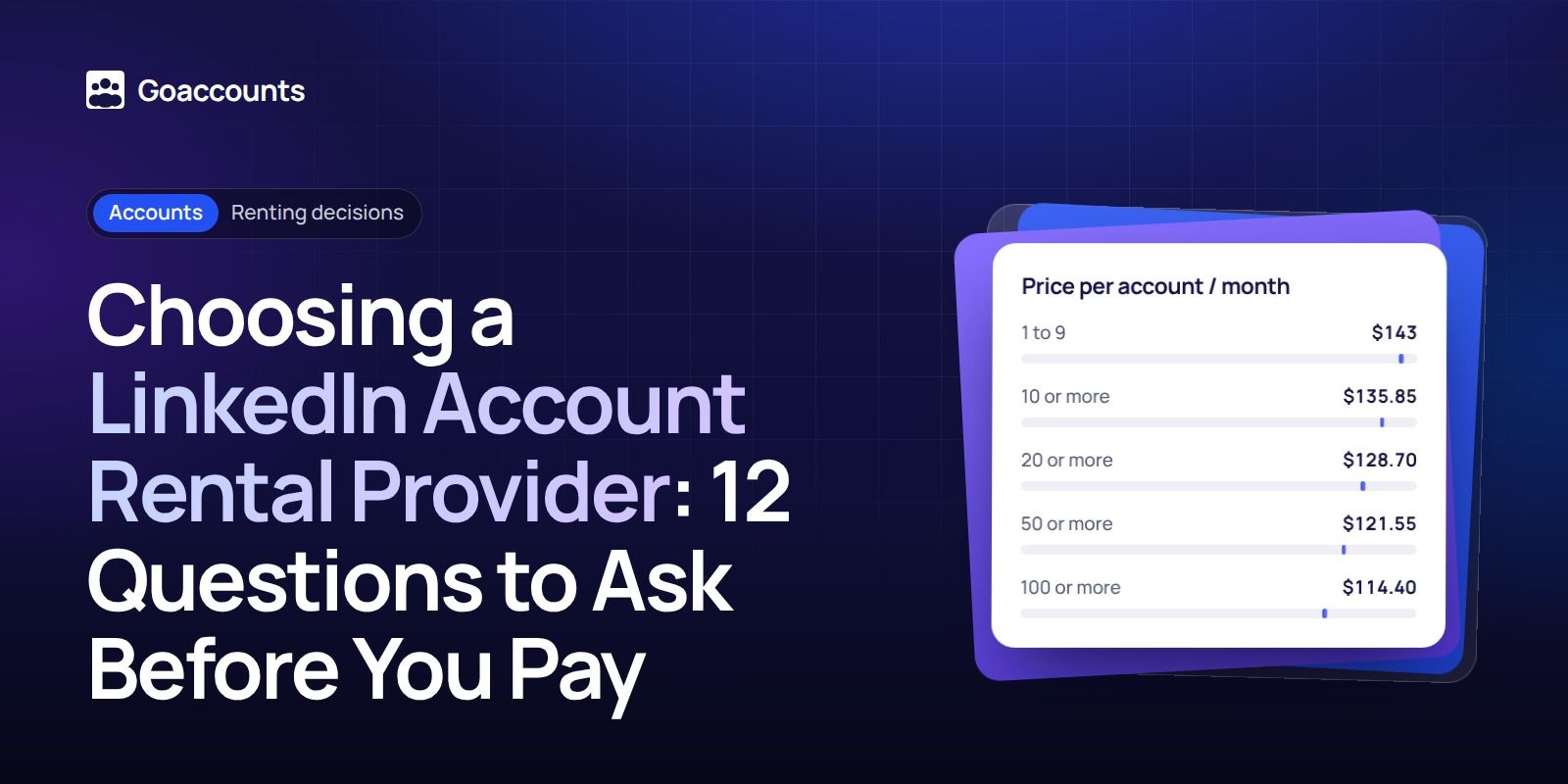
The rental fee is the headline, not the full bill. Across the market, rental runs roughly $45 to $210 per account per month, with premium real or ID-verified tiers near the top. GoAccounts starts at $143 per account per month, with an automatic volume discount.
| Accounts | Discount | Price per account / month |
|---|---|---|
| 1 to 9 | none | $143 |
| 10 or more | 5% | $135.85 |
| 20 or more | 10% | $128.70 |
| 50 or more | 15% | $121.55 |
| 100 or more | 20% | $114.40 |
Add-ons sit on top: Sales Navigator Advanced is $40 per account per month at GoAccounts, against LinkedIn's own Advanced list price of $159.99; Recruiter Lite is $98 per account per month. The part sellers skip: you still need an automation tool seat, roughly $40 to $100 per sender per month at retail, plus team time to work the replies. Ten accounts means ten seats or an agency plan. Treat any prepay discount as "where offered, up to" rather than a promise, and never prepay before a test. The current ladder is on the GoAccounts pricing section.
9. Can you customize the profile without breaking it?
A good provider lets you shape the headline, photo, banner, About and Experience, and warns you where customization carries risk. The one to watch is the name: changing it can trigger LinkedIn re-verification to keep a verification badge, and the name has to match the profile. GoAccounts customizes the profile for free and flags the name caveat rather than promising you can rename an account to anything. "Rename it to whatever you like" with no caveat is a warning sign.
10. What support and setup do you actually get?
Ask who you can reach, and what they do before handover. A solid answer is a named support channel, help connecting the account to your automation tool, and a check that it runs before you take over. GoAccounts gives every client a shared Slack channel seven days a week, connects each account to your tool, and confirms it works before handover. The warning signs are an anonymous chat-only contact, no recovery path, and the pattern in public reviews where a buyer is charged and no account arrives.
11. Is the provider upfront about LinkedIn's rules?
Honest providers say it plainly. LinkedIn's User Agreement requires one account in your real name (§2.1), bans sharing or transferring it (§2.2), and bans renting, leasing or re-selling access (§8.2, item 11), and LinkedIn can restrict or suspend accounts for breach. A provider that states it is not affiliated with LinkedIn, and that use may not comply with the User Agreement, is being straight with you. GoAccounts says exactly that in its own footer. The red flags are "100% safe", "undetectable", "ban-proof", or "respects LinkedIn's policies", since renting is one of the things the rules forbid.
12. How can you verify their claims before you pay?
Read the provider's own current terms, not a third-party directory's summary of them. Directory and listicle numbers go stale. When we checked a vendor directory this month, it still listed our own accounts at prices we retired long ago, next to a recovery window we have never offered. Treat single-vendor review pages and affiliate listicles as weak evidence, and test with one account before you scale. LinkedIn publishes no fixed weekly invitation number, so any "safe weekly limit" is the provider's own guidance, not a platform rule. GoAccounts recommends 100 to 150 connection requests per account per week, ramped over the first few days, and labels it as guidance.
A simple way to use this list
Run the twelve questions against any provider's own page, in order: what the account is, what it ships with, what happens when it breaks, what it really costs, the rules, and how you can check. If an answer is missing or vague, ask for it before you pay. Then buy one account, run it for a few weeks, and judge the quality yourself before you scale.
If you'd rather not risk your own profile, sign up at GoAccounts and get aged, ID-verified LinkedIn accounts in 3 to 10 days, depending on how many accounts you need. You can also work through the GoAccounts academy if you want the full playbook first.
FAQ
How do I choose a LinkedIn account rental provider? Put the twelve questions above to each provider and compare the answers against its own published terms. Favour the one that is specific about account type, proxy and browser setup, recovery, cost and the rules, and start with a single account.
What happens if the account gets restricted? With a serious provider, they try to recover it first, replace it if recovery fails, and credit the downtime. GoAccounts recovers within 7 days or replaces the account, and reduces your next bill pro rata for the downtime.
How much does it cost to rent a LinkedIn account? Across the market, roughly $45 to $210 per account per month. GoAccounts starts at $143 per account per month, with automatic volume discounts, plus any add-ons and the cost of your own automation tool seat.
Is renting a LinkedIn account against LinkedIn's rules? Yes. LinkedIn's User Agreement bans renting, leasing or sharing account access (§8.2, item 11, and §2.2). A provider that admits this is being honest; one that claims to be "compliant" is not.
Can I start with one account? With a good provider, yes. GoAccounts has a minimum order of one account, month to month, with no contract, so you can test quality before scaling.
GoAccounts is not affiliated with LinkedIn, and renting an account sits outside LinkedIn's User Agreement (§8.2, item 11).
Researched and drafted with AI assistance from our team's notes, and checked against LinkedIn's User Agreement and Help Center and the provider's own published terms on 2026-11-16 by the GoAccounts Team.



















































