
LinkedIn Account Rental: How It Works and What It Costs
A plain guide to LinkedIn account rental: what it is, how it works, what it costs in 2027, and how account replacement works when something goes wrong.

Need accounts to run this playbook? Enquire Now
A LinkedIn account rental service lets a business use an aged, ready-made LinkedIn account it does not own, billed monthly and delivered with a dedicated proxy and its own isolated browser profile. It lets a team run outreach at volume without risking its own profiles. Fees run from about $45 to $210 per account each month.
What is a LinkedIn account rental service?
A LinkedIn account rental service is a company that owns aged LinkedIn accounts and lets you use one for a monthly fee. You get day to day control of the account to send connection requests and messages, but you never own it. The provider keeps the account, the proxy and the browser profile that make it work.
Who uses this? Lead generation agencies, B2B sales teams and recruiters who run outbound at volume. A single LinkedIn profile can only send so many connection requests in a week, so teams that need to reach thousands of people rent extra accounts instead of pushing one profile past its limit and risking a restriction. Renting also keeps the company's own profiles and their real networks safe.
There is a second, supply side meaning: people who rent out their own profile for someone else to use. This guide is about the buyer side, renting an account to run your own outreach.
What you actually receive when you rent
The rental fee buys more than a login. A typical rented account comes with:
- An aged account with 500+ existing connections, built up over time.
- A dedicated static ISP proxy matched to the account's location, so the account always signs in from the same place.
- An isolated browser profile with its own fingerprint, so the account runs separately from everything else on your machine.
- Portal access to the login, credentials and the 2FA code.
- Free profile customization: the provider sets up the headline, banner, photo, About and Experience.
Accounts come in two types. Real, ID verified accounts belong to a verified person and carry genuine activity history; they cost more. Warmed accounts are created and aged for several months; they are cheaper and suit high volume work. For which to pick, see our guide on real vs fabricated LinkedIn accounts.
How LinkedIn account rental works, step by step
Renting runs in four steps.
- Order and brief. You place the order and share a brief about the account you need. A private Slack channel opens so you can reach the team directly.
- Delivery. Accounts arrive in 3 to 10 days, depending on how many accounts you need. Each one comes inside its own browser profile, with portal access to the login and the 2FA code.
- Connect and test. The provider connects the account to your outreach tool and checks it runs before handing it over.
- Send and ramp. You load your campaigns and build up slowly, toward about 100 to 150 connection requests per account per week.
That weekly figure is a provider recommendation, not a LinkedIn rule. LinkedIn publishes no fixed weekly invitation number, though it does cap how many requests any member can send and will restrict accounts that push too hard. For the full setup checklist, see how to rent a LinkedIn account.
What does it cost?
Rental fees run from about $45 to $210 per account per month across the market, with cheaper warmed accounts at the low end and real, ID verified accounts near the top.
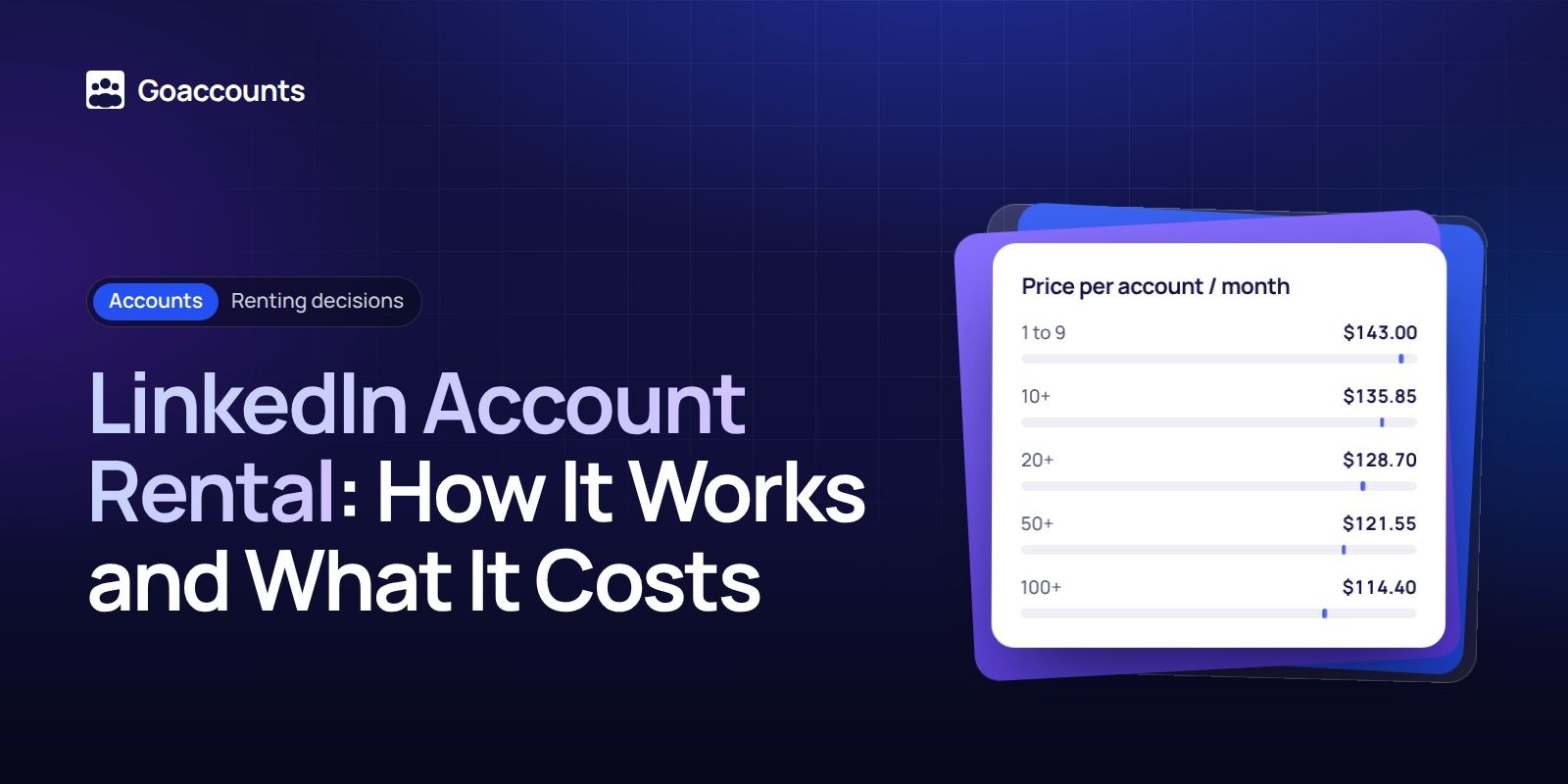
As of 2027, GoAccounts rents accounts from $143 per account per month, with automatic volume discounts:
| Accounts | Discount | Price per account / month |
|---|---|---|
| 1 to 9 | none | $143.00 |
| 10+ | 5% | $135.85 |
| 20+ | 10% | $128.70 |
| 50+ | 15% | $121.55 |
| 100+ | 20% | $114.40 |
At 100 accounts, that 20% discount brings each account to $114.40 per month . Prepaying for several months can take the price down further, up to 35% off where that option is offered.
Two paid add-ons sit on top, per account: Sales Navigator Advanced at $40 per month, and Recruiter Lite at $98 per month. For reference, LinkedIn's own list price for Sales Navigator Advanced is $159.99 per month. Billing runs month to month with no contract or minimum, so you can start with a single account.
One honest point the sales pages skip: the rental fee is not your only cost. To actually send, you still need a seat on an outreach tool, which runs roughly $40 to $100 per sender each month at retail, and you need someone on your team to work the replies. Budget for all three.
What happens if a rented account gets restricted?
No provider can promise an account is never restricted. LinkedIn can limit, suspend or terminate any account, and the whole rental category is exposed to that risk. What a good provider offers is a recover or replace guarantee.
Here is how one works in practice:
- Monitoring flags the restriction.
- The provider attempts recovery first.
- If the account cannot be recovered, you get a replacement.
- Your next bill is reduced to cover the downtime.
GoAccounts recovers a restricted account within 7 days or replaces it, and reduces your next bill pro rata for the time the account was down. Replacement windows differ a lot between providers, from roughly 12 to 72 hours advertised in some places to much longer elsewhere, so read the fine print. And be clear on what the credit does: it returns the fee for the downtime, not the sending days you lost. If an account goes down, see what to do when a LinkedIn account is restricted.
Renting vs buying vs running your own
There are three ways to add LinkedIn capacity. Here is the trade off at a glance:
| Option | Up front cost | Time to start | Main risk |
|---|---|---|---|
| Rent | About $45 to $210 per account / month | 3 to 10 days | You never own the account, and it can still be restricted |
| Buy outright | One time, about $225 to $630 per account | Days | No ongoing support or replacement after a short cover period |
| Run your own | Low cash cost, high time cost | Months | Months of warming, and your own profiles carry the risk |
Renting trades ownership for speed and support. Buying is cheaper over a long run but leaves you on your own once the cover period ends. Running your own costs the least in cash and the most in time, and it puts your real profiles at risk. For a longer look at scaling, see scaling LinkedIn outbound with multiple accounts.
Is it legal? What LinkedIn's rules say
Renting a LinkedIn account runs against LinkedIn's own rules, and it is worth knowing exactly how before you decide.
LinkedIn's User Agreement says your account belongs to you and that you will not share or transfer it (section 2.2). It asks every member to use one account in their real name (section 2.1), and section 8.2 bans renting, leasing, loaning, trading or selling access to the service without LinkedIn's consent. LinkedIn can restrict, suspend or terminate an account for breaking these terms (section 3.4). Its Professional Community Policies repeat that you should not use another person's account or share your own.
GoAccounts is not affiliated with LinkedIn and states plainly that this use may not comply with LinkedIn's User Agreement. Rental sits outside LinkedIn's terms. This is not legal advice; if the rules matter to your situation, take your own.
How to try it without overcommitting
If you want to see whether rental fits before you scale, start small. Rent one account, month to month, and judge it on quality: does it sign in cleanly, hold up under normal sending, and get replies? Do not prepay for a year before you have tested a single account. Once one account performs, add more and the volume discounts kick in.
If you'd rather not risk your own profile, sign up at GoAccounts and get aged, ID-verified LinkedIn accounts in 3 to 10 days, depending on how many accounts you need.
FAQ
What does renting a LinkedIn account mean? It means paying a monthly fee to use an aged LinkedIn account you do not own, usually delivered with a dedicated proxy and its own browser profile.
How much does it cost? Across the market, about $45 to $210 per account per month. GoAccounts starts at $143 per account per month, with automatic volume discounts above 10 accounts.
How fast is delivery? Accounts arrive in 3 to 10 days, depending on how many you need.
What if the account gets restricted? A recover or replace guarantee should cover it. GoAccounts recovers the account within 7 days or replaces it, and reduces your next bill pro rata for the downtime.
Is it against LinkedIn's rules? Yes. LinkedIn's User Agreement bans sharing, transferring or renting an account, and accounts can be restricted. GoAccounts is not affiliated with LinkedIn.
Can I start with one account? Yes. Billing is month to month with no minimum, so a single account is a fine way to test quality first.
GoAccounts is not affiliated with LinkedIn. Renting a LinkedIn account sits outside LinkedIn's User Agreement (section 8.2).
Researched and drafted with AI assistance from our team's notes, and checked against LinkedIn's User Agreement, Help Center and Sales Navigator pages on 5 November 2026 by the GoAccounts Team.



















































